


20 Oct Website Design for Beginners: 5 Easy Steps for 2026
Designing your first website is easier when you treat it as a series of decisions instead of a single creative task. This guide to website design for beginners walks through five practical steps: define the goal, plan the pages, choose a platform, design the experience, and test before launch. You do not need to code every feature yourself, but you do need a clear plan and time to check the result on real devices.
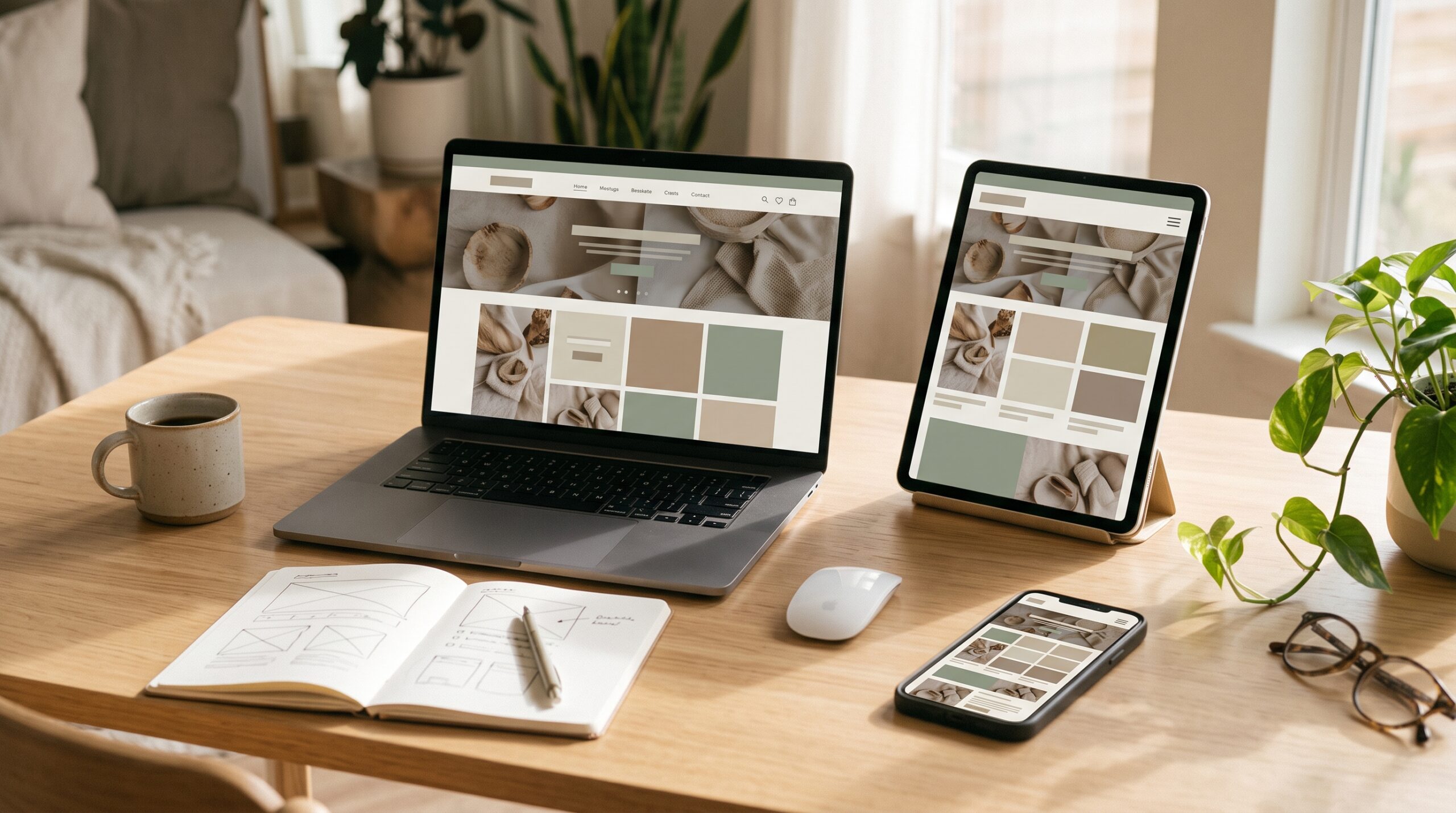
Website design for beginners becomes easier when you map page order before choosing visual details.
If you are comparing the bigger investment, see our guide to Website Design and Development Cost in 2026.
Affiliate disclosure: This article contains an affiliate link to Elementor. If you purchase through it, Gowebs.id may earn a commission at no additional cost to you. We recommend comparing tools against your needs and budget.
Table of Contents
Website Design for Beginners: Start With the Basics
Website design for beginners covers how a site is structured, how it looks, and how visitors interact with its content. Visual choices such as color and typography work alongside practical decisions about navigation, mobile layouts, accessibility, performance, and calls to action. Good design helps visitors understand what a site offers and complete the next step—whether that is reading, booking, contacting a business, or buying.
For a beginner, the goal is not to add every trend or feature. Start with a clear audience and a small set of pages, then make the important information easy to find and use.
A simple website design for beginners plan keeps these decisions manageable.
Step 1: Define the website’s goal and audience
Write one sentence describing what the website should help a visitor do. Examples include “request a quote,” “book an appointment,” or “learn about our services.” Then describe the intended visitor: what are they looking for, what questions might they have, and what could stop them from taking action?
This short brief makes website design for beginners more practical: it ties layout choices to an audience and task. A local service business may need clear service areas, pricing cues, testimonials, and a contact option. A portfolio needs project examples and a concise introduction. A blog needs readable article pages and useful topic navigation. Avoid designing for an imaginary “average user”; make decisions for the people you actually want to reach.
For website design for beginners, defining one primary goal for each important page keeps the layout focused.
Step 2: Plan the pages and navigation
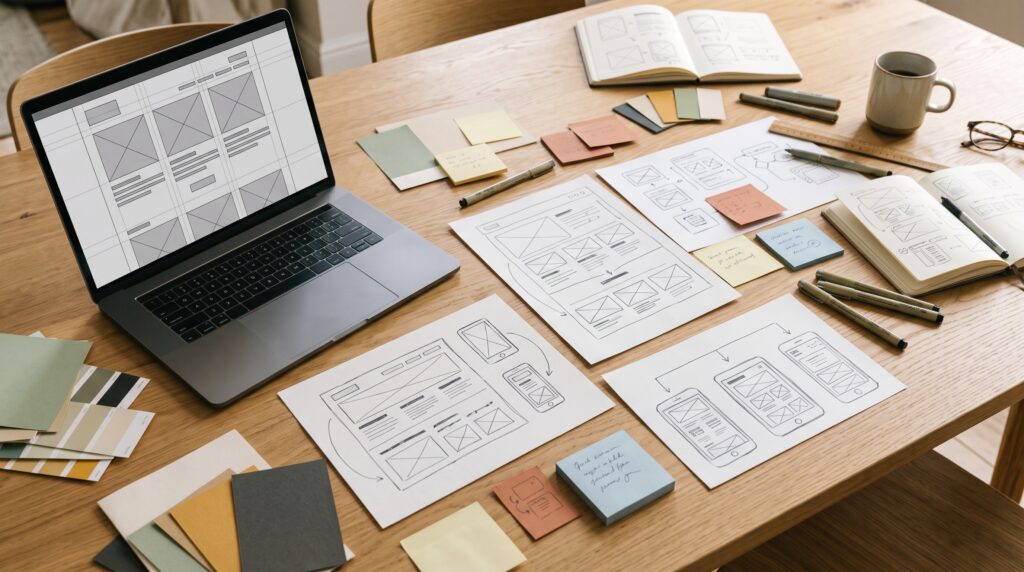
List only the pages needed to support the goal. A simple business website might begin with Home, Services, About, and Contact. Sketch the order of information on each page before choosing colors or illustrations. Put the most useful information near the top and make the next action easy to spot.
For website design for beginners, familiar menu labels and short navigation make the first sitemap easier to use. Group related services together, keep the menu short, and make sure visitors can return to the home page. A quick wireframe—boxes for a heading, text, image, and button—is enough to spot missing information before you build.
Step 3: Choose a platform and domain
A website design for beginners project can start with a hosted builder if you want less setup work. WordPress gives you control over hosting and a broad plugin ecosystem, but you are responsible for updates, backups, and the quality of your theme and plugins. Custom development makes sense when your requirements cannot be met reliably with an existing platform.
If you plan to build with WordPress and want a visual editing interface, you can review Elementor as one option. Compare its current features and pricing with your requirements before choosing. Your long-term costs can include hosting, a domain, paid extensions, maintenance, and professional help.
Read our 2026 comparison of Elementor and Webflow for a closer look at design control, hosting, maintenance, and ongoing costs.
Choose a domain that is short, easy to say, and appropriate for your brand. Before committing, check that the domain is available and that you can keep control of its registration. For other platform choices, see our website design optimization guide.
Step 4: Design for clarity, mobile use, and accessibility
In website design for beginners, a small visual system is easier to maintain: use one or two typefaces, a limited color palette, consistent spacing, and clear button styles. Use headings to show the order of information. Keep body text readable, use strong contrast, and avoid relying on color alone to communicate meaning. Add descriptive text alternatives to meaningful images and label form fields clearly.

Check the layout at narrow and wide screen sizes. Navigation, buttons, and forms should be easy to use with touch and keyboard input. Avoid small tap targets, hidden focus indicators, and text placed only inside images. W3C guidance in Web Content Accessibility Guidelines (WCAG) 2.2 provides testable criteria and techniques; use them as a practical reference rather than assuming that a theme or plugin makes a site accessible automatically.
For website design for beginners, test every key task at phone size as well as on desktop.
Step 5: Build, test, and improve the website
Add the real copy, images, links, and forms before launch. Use descriptive page titles and headings, write useful alt text, and connect related pages with clear internal links. Search optimization should help people and search engines understand the page; it should not turn the copy into a repetition of the same phrase. Google recommends people-first content that is useful, reliable, and created for its intended audience.
Read Google Search Central’s guidance on helpful, reliable, people-first content before publishing or revising key pages.
A website design for beginners project still needs a thorough launch check. Test the site on a phone and a desktop, submit every form, follow every important link, check the menu, and review the page with keyboard navigation. Ask someone unfamiliar with the project to find a key piece of information; watch where they hesitate. Fix confusing labels and broken flows before spending time on decorative details.
Also review real-user performance data when it is available. Core Web Vitals currently focus on loading, interactivity, and visual stability: good targets are LCP within 2.5 seconds, INP at 200 milliseconds or less, and CLS at 0.1 or less at the 75th percentile. Use web.dev Web Vitals guide and PageSpeed Insights or Search Console to find issues. These metrics are useful diagnostics, not a substitute for testing the complete experience.
Common website design mistakes beginners should avoid
- Starting with colors and effects before deciding what the website needs to accomplish.
- Putting too much information in the main navigation or hiding important details behind vague labels.
- Using low-contrast text, tiny type, or buttons that are difficult to tap on a phone.
- Adding large images, animations, or plugins without checking their effect on usability and speed.
- Publishing without testing forms, links, mobile layouts, keyboard access, and page content.
- Assuming that installing an SEO plugin guarantees rankings or replaces useful, accurate content.
Frequently asked questions
Can a beginner design a website without coding?
Yes. Website design for beginners is possible without code. Website builders and content management systems let beginners assemble pages visually. You still need to plan the content, select a suitable platform, and test the site. Coding becomes useful when you need custom behavior or more control than your chosen platform provides.
What should I learn first in website design?
Start with audience needs, page structure, readable typography, color contrast, responsive layouts, and basic accessibility. These fundamentals help you make useful design decisions before you learn advanced animation or code.
How many pages does a first website need?
There is no required number. Start with the smallest set of pages that answers visitor questions and supports the website’s goal. Many small sites can begin with a home page, one or more service pages, an about page, and a contact page.
Does good website design guarantee higher Google rankings?
No. Clear structure, mobile usability, accessibility, and performance can support a better visitor experience, but they do not guarantee rankings. Search visibility also depends on whether the content serves the query, can be crawled and indexed, and is competitive for that search.
Start with a clear purpose, a simple page plan, and a design that works for real visitors. Build the essential pages first, test them on different devices, and improve the site using feedback and performance data. That process gives beginners a more reliable starting point than chasing visual trends or trying to add every feature at once.
Use this website design for beginners checklist to review the key pages once more before launch.
Sources and further reading
Google Search Central: Creating helpful, reliable, people-first content

No Comments