15 Oct Website Development Tools for Beginners: 10 Powerful Resources for 2026
Building a website in 2026 no longer means choosing between learning every line of code and relying entirely on a website builder. Beginners can combine trusted learning resources, practical development tools, testing services, and platforms that match the project. The key is choosing tools for a clear purpose instead of signing up for every service you see.
This guide to website development tools for beginners covers ten useful resources, from HTML and CSS lessons to version control, performance testing, and no-code website platforms. Some resources help you become a developer; others help you launch a site faster. They are complementary, not interchangeable. The best website development tools for beginners are the ones that match your current skill level, budget, and project goals.
Table of Contents
1. MDN Web Docs: Learn HTML, CSS, and JavaScript
If your goal is to understand how websites work, start with MDN Web Docs’ Learn web development curriculum. It explains the core technologies behind the web and provides structured lessons for beginners. HTML defines a page’s content and meaning, CSS controls presentation and layout, and JavaScript adds interactive behavior.
MDN is especially useful when you want to understand why code works instead of copying snippets without context. Follow the learning order, complete the small exercises, and keep a simple project to practise each concept. The material also introduces accessibility, responsive design, browser tools, testing, and other practices that matter beyond the first page.
Best for: beginners who want a reliable, reference-style learning path. Keep in mind: documentation is not a shortcut to practice; build small pages while you learn.
2. freeCodeCamp: Practise with Projects
freeCodeCamp offers interactive coding lessons and project-based practice. It can help turn concepts from a tutorial into something you can actually build, such as a responsive page or a small JavaScript exercise. Beginners often benefit from having a defined task and a way to check their work.
Use it alongside MDN rather than treating either resource as a complete substitute for the other. Complete a lesson, rebuild the example without looking at the answer, then change one or two requirements. That last step is important: it shows whether you understand the concept or only remember the original solution.
Best for: learners who need guided exercises and a project-based routine. Keep in mind: completing lessons is useful, but a portfolio should also contain projects you planned, debugged, and explained yourself.
3. Visual Studio Code: Write and Organize Code
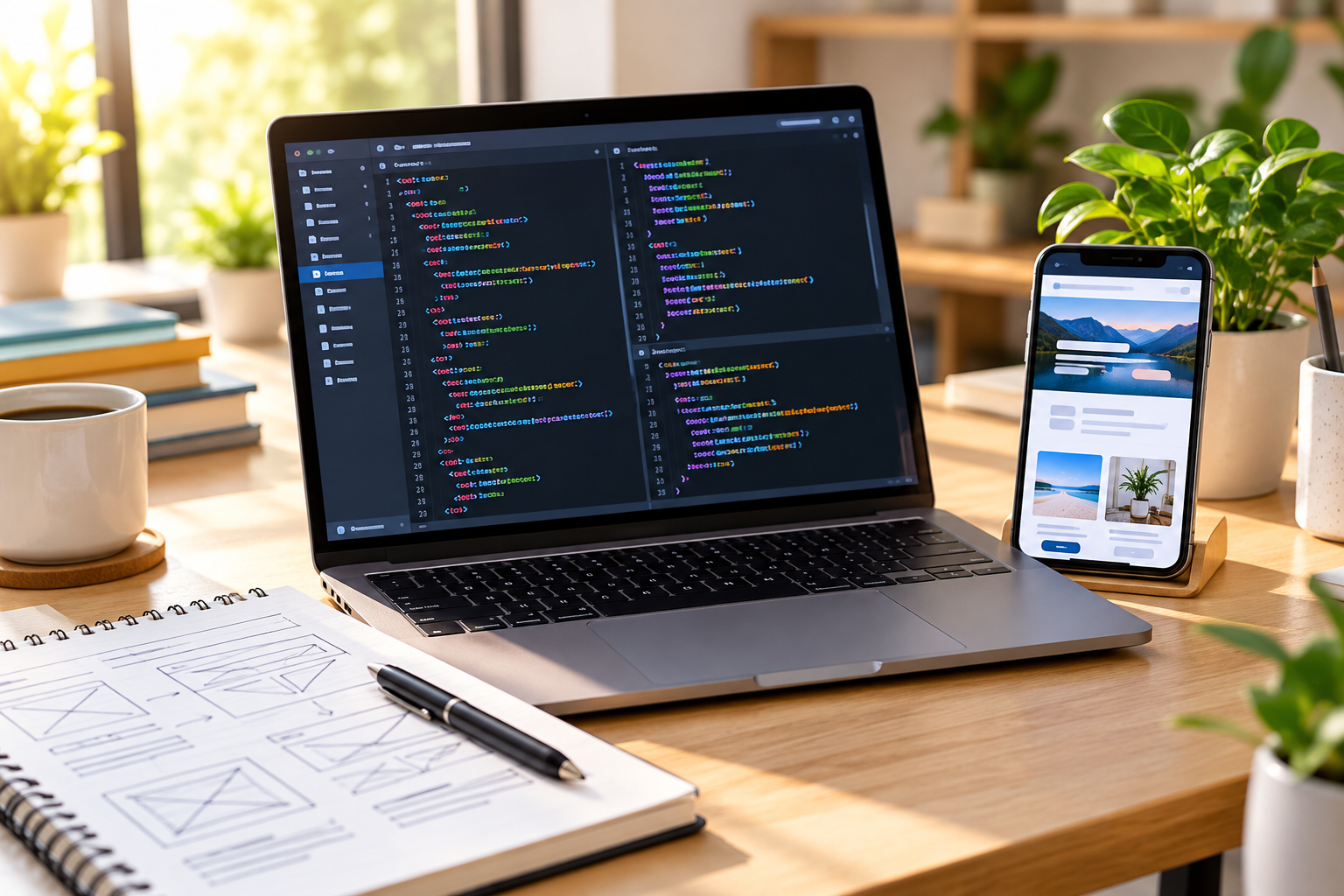
Visual Studio Code is a code editor for working with website files on your computer. It supports editing HTML, CSS, JavaScript, and many other languages, with features such as syntax highlighting, search, extensions, and debugging support.
Start with a small folder that contains an index.html file, a stylesheet, and a JavaScript file. Learn how to save files, use folders, read error messages, and preview your page in a browser before installing lots of extensions. Add tools only when you can explain what problem they solve.
Start with a small folder that contains an index.html file, a stylesheet, and a JavaScript file. A code editor is one of the core website development tools for beginners who want to practise with real project files. Learn how to save files, use folders, read error messages, and preview your page in a browser before installing lots of extensions.
For learners who prefer hands-on practice, website development tools for beginners should make it easy to experiment, review mistakes, and gradually build a complete project instead of just copying code.
4. CodePen: Experiment in the Browser
CodePen lets you experiment with front-end code in a browser-based environment. It is convenient for trying a CSS layout, testing a button interaction, exploring a small animation, or sharing a reduced example when asking for help.
Use it for focused experiments rather than as your only development environment. For example, create a simple card, change the spacing and colors, and compare the results. When the experiment grows into a real project, move it into a local folder and learn how assets and files are organized.
Best for: quick HTML, CSS, and JavaScript experiments. Keep in mind: a browser playground is not a replacement for learning file structure, version control, deployment, or backend development.
5. Git and GitHub: Track Changes Safely
Git records changes to files over time, while GitHub provides a place to host repositories and collaborate. Version control helps you review what changed, return to an earlier version, and work more safely as projects become larger.
You do not need to master every Git command on day one. Begin with a repository for a practice site, learn commits, inspect the change history, and push a copy to GitHub. Once you are comfortable, learn branches and pull requests. These habits are useful even when you build with a content management system or visual builder and later need to manage custom code.
Best for: anyone who wants to keep code changes organized and build a shareable project history. Keep in mind: Git is not a substitute for backups, and secrets such as API keys or passwords should never be committed to a public repository.
6. WordPress: Build Content-Driven Websites
WordPress is a flexible content management system for blogs, business websites, portfolios, and many other kinds of sites. It lets users publish and organize content, choose themes, and extend functionality through plugins. Developers can also work with themes, plugins, APIs, and custom code when a project requires more control.
For beginners building a blog or small-business website, WordPress can be a practical way to learn website structure, page editing, navigation, media management, and basic search optimization. Before launching, understand the difference between the hosted WordPress.com service and self-hosted WordPress software from WordPress.org, and plan for hosting, backups, updates, security, and plugin maintenance where applicable.
Among website development tools for beginners, WordPress is a practical option when publishing and updating content matters more than writing every page from scratch.

Best for: content-heavy sites and projects that may need flexibility and an extensible ecosystem. Keep in mind: more plugins do not automatically make a better site; unnecessary extensions can increase maintenance and compatibility work.
7. Elementor: Build WordPress Pages Visually
Elementor is a visual website builder for WordPress that helps users compose page layouts with a visual editor instead of writing every layout detail by hand. It can be useful when you need more design control over landing pages, service pages, and other marketing content.
A visual builder can reduce the amount of code needed for a particular page, but it does not remove the need for good design and technical judgment. Keep layouts consistent, test mobile breakpoints, compress media, limit unnecessary widgets, and check how the page performs. You should also understand which features depend on the builder or its paid plan before committing to a workflow.
A visual builder can reduce the amount of code needed for a particular page, but it does not remove the need for good design and technical judgment. When comparing website development tools for beginners, keep layouts consistent, test mobile breakpoints, compress media, limit unnecessary widgets, and check how the page performs. Understand which features depend on the builder or its paid plan before committing to a workflow.
For a closer look at the trade-offs, read our guide to Elementor vs Webflow in 2026. If you decide Elementor fits your workflow, you can explore it through the link above.
8. Webflow: Design with Visual Development Tools
Webflow University provides official lessons for learning Webflow’s visual design and development workflow. Webflow can suit users who want substantial visual control over responsive layouts and CMS-driven content without assembling every part of the stack themselves.
Start with the basics of layout, responsive behavior, reusable design systems, and publishing. Then explore the CMS if your project needs collections of articles, projects, or other structured content. The official learning resources are useful for learning the platform’s own concepts rather than following a generic tutorial that may use a different interface.
Best for: designers and teams who prefer a visual development workflow with managed platform features. Keep in mind: compare subscription costs, publishing limits, integrations, and portability before choosing it for a long-term project.
9. Shopify: Launch an Ecommerce Store
Shopify is a commerce-focused platform for building and managing online stores. It is worth considering when the main job of the website is to present products, accept orders, support payments, and manage the store operation rather than teach you how to code a site from scratch.
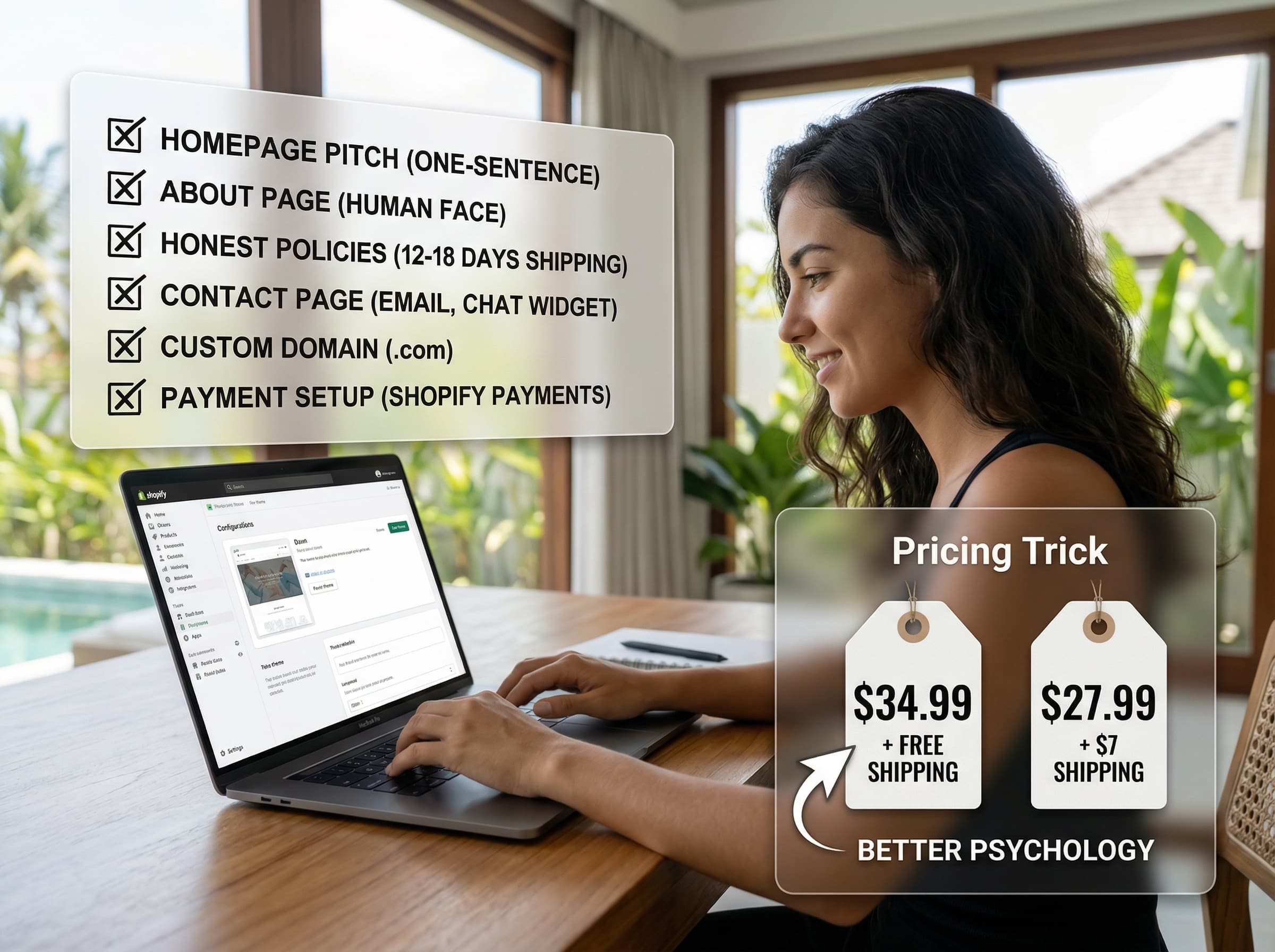
Begin by mapping your products, collections, shipping, payment methods, returns policy, and customer support needs. Test the complete path from product page to checkout before launch. Shopify’s managed approach can simplify ecommerce operations, but you should review plan pricing, transaction and payment costs, app subscriptions, theme limitations, and regional availability for the markets you serve.
Best for: beginners whose primary goal is to sell online. Keep in mind: an online store requires more than a design; product data, fulfilment, customer service, and payment setup need careful planning too.
10. Lighthouse and PageSpeed Insights: Test Your Website
Building a page is only part of the job. Lighthouse audits pages for areas including performance, accessibility, best practices, and SEO. PageSpeed Insights helps you evaluate page performance and investigate opportunities for improvement.
Run a report on your homepage and one important landing page. Do not stop at the overall score: open the failed audits, identify the likely cause, and fix the issues that matter most. Then test again. For example, oversized images, render-blocking resources, layout shifts, and unnecessary scripts can each point to a different improvement.
Website development tools for beginners are most effective when paired with regular testing: check mobile usability, page speed, accessibility, and whether visitors can complete the main task.
Run a report on your homepage and one important landing page. Testing is essential when using website development tools for beginners because it helps reveal performance and usability problems before visitors encounter them. Do not stop at the overall score: open failed audits, identify the likely cause, and fix the issues that matter most.
Website Development Tools for Beginners: How to Choose the Right Resources
The best website development tools for beginners depend on what you are trying to achieve. A beginner who wants to become a front-end developer needs practice with code and version control. A small-business owner may need a maintainable publishing system. An ecommerce founder needs reliable product, checkout, and order workflows. These goals overlap, but they are not the same.

| Your goal | Start with | Why it fits |
|---|---|---|
| Learn how the web works | MDN + freeCodeCamp | Structured explanations and guided practice |
| Write and test code | Visual Studio Code + CodePen | Local project work plus quick browser experiments |
| Manage code changes | Git + GitHub | Version history, backup workflow, and collaboration |
| Build a blog or business website | WordPress | Content management and an extensible ecosystem |
| Design WordPress pages visually | Elementor | Visual layout control within WordPress |
| Build a visually controlled CMS site | Webflow | Visual development with managed publishing features |
| Sell products online | Shopify | Commerce workflows built around an online store |
| Check quality after building | Lighthouse + PageSpeed Insights | Actionable audits for performance and other quality areas |
When comparing website development tools for beginners, check each platform’s full cost over time, including hosting or subscriptions, domain renewals, paid extensions, support, migration, and maintenance. Our guide to website design and development cost in 2026 explains the factors that commonly affect a project budget. If you are creating a site for a small business, our guide to custom website design for small businesses covers practical design decisions, too.
A Beginner-Friendly Website Development Roadmap
Choosing the right website development tools for beginners means matching each resource to one clear goal. The most practical website development tools for beginners make it easier to finish a small project and learn from the result. Trying every tool at once is a fast way to lose momentum. Choose one simple project, such as a personal portfolio or a small business landing page, and follow a focused sequence:
- Define the goal. Decide who the site is for and what the visitor should do.
- Learn the foundations. Practise HTML and CSS first, then add JavaScript when you need interactivity.
- Build a small version. Create a few pages or sections instead of starting with a complex application.
- Track your changes. Use Git so you can review and recover work as the project evolves.
- Test the experience. Check mobile layouts, keyboard navigation, links, forms, and loading performance.
- Publish and improve. Review actual user needs and revise the site based on evidence.
If your priority is to launch a business website quickly, start with a platform that meets your requirements and learn enough about its technical limits to maintain it responsibly. If your priority is to become a developer, do not skip coding fundamentals just because a visual builder can produce a page faster. Both paths are valid, but they develop different skills.
Frequently Asked Questions
What should a beginner learn first in website development?
Start with HTML to structure content and CSS to style it. Then learn JavaScript for interactive behavior. Practise accessibility, responsive layouts, browser debugging, and version control as you build small projects. MDN provides a structured starting point.
Can I build a website without coding?
Yes. Platforms such as WordPress with a visual builder, Webflow, and Shopify can help you create websites without writing every component from scratch. You still need to plan the content, design, mobile experience, search visibility, security, and ongoing costs. The right platform depends on the site’s purpose.
Do I need to learn jQuery or PHP in 2026?
Not as your first step. Learn HTML, CSS, and JavaScript fundamentals first. PHP is useful if you want to develop WordPress themes, plugins, or server-side applications. jQuery remains present in some existing projects, but beginners should understand modern JavaScript before learning a library for maintaining a particular codebase.
Are website development tools free?
Some learning resources, code editors, and testing tools can be used for free. Website builders and ecommerce platforms may offer paid plans, and you may also need to pay for a domain, hosting, premium themes, plugins, apps, or professional help. Check current pricing and feature limits directly with each provider before making a decision.
How can I check whether my website is working well?
Test the main tasks a visitor needs to complete, including navigation, forms, mobile use, and checkout where relevant. Run Lighthouse or PageSpeed Insights to find technical issues, review Search Console data when available, and monitor business outcomes such as qualified enquiries or completed orders. No single score tells the whole story.
Sources and Further Reading
- MDN Web Docs: Learn web development
- freeCodeCamp: Learn
- Visual Studio Code documentation
- GitHub Docs: Get started
- WordPress: Get started
- Webflow University
- Shopify: Start an online store
- Chrome for Developers: Lighthouse
- Google Search Central: SEO Starter Guide
Disclosure: This article contains an Elementor affiliate link. Gowebs.id may earn a commission if you make a qualifying purchase through that link, at no additional cost to you. Platform features, plan limits, and prices can change, so confirm the latest details on each provider’s official website.

No Comments